

Last week I accidentally spent eight hours watching a TV series.
When it finished, I realized I had spent most of the day consuming content instead of building something.
So instead of starting another episode, I decided to experiment with something I had been curious about for a while: AI agents.
Not just chatting with AI—but actually building a system that could organize information, monitor tasks, and interact with tools.
The goal was simple:
Build a working AI agent system on my laptop.
No expensive GPUs required for the framework itself.
Just curiosity and a willingness to experiment.
That’s when I discovered OpenClaw, an open-source framework designed for running structured AI agents.
What Is OpenClaw?
OpenClaw is an open-source AI agent framework designed to run structured AI systems with tools, memory, and workflows.
Instead of treating AI as a simple chatbot, OpenClaw treats it as a system that can interact with files, scripts, and external services.
You can explore the project here:
OpenClaw GitHub
https://github.com/openclaw/openclaw
The framework combines several components:
- AI models
- structured knowledge
- automation workflows
- tool integrations
Together, these components allow you to create assistants capable of performing structured tasks using tools and workflows.
For my setup, I decided to run everything locally using WSL Ubuntu.
Tools Used in This Setup
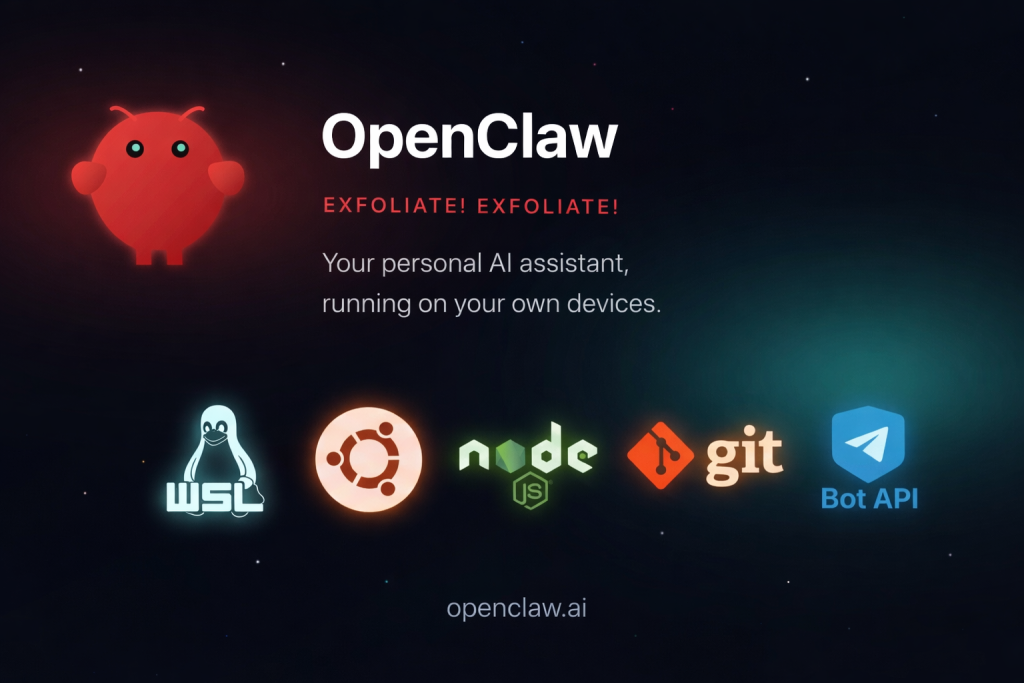
The system was built using a combination of open-source tools:
- OpenClaw
- WSL (Windows Subsystem for Linux)
- Ubuntu
- Node.js
- Git
- Telegram Bot API
WSL documentation
https://learn.microsoft.com/en-us/windows/wsl/
Node.js
https://nodejs.org/
Telegram Bots
https://core.telegram.org/bots
Step 1 — Creating a Linux Environment with WSL
The first step was creating a Linux environment on my laptop.
I used Windows Subsystem for Linux (WSL), which allows Windows users to run a Linux environment directly inside Windows.
After installing Ubuntu through WSL, I updated the system:
sudo apt update
sudo apt upgrade
Then I installed several development tools such as:
- Git
- Node.js
- package managers
These tools are necessary because OpenClaw uses Node.js services and scripts for its CLI tools, integrations, and gateway services.
Step 2 — Installing OpenClaw

Once the environment was ready, I installed OpenClaw.
The installation created a workspace directory:
~/.openclaw/workspace
This folder acts as the central workspace where the agent’s configuration, knowledge, and workflows are stored.
When I checked the workspace, it contained files like:
AGENTS.md
BOOT.md
IDENTITY.md
TOOLS.md
ROUTINES.md
And directories such as:
checklists/
memory/
scripts/
skills/
This structure is what makes OpenClaw different from typical AI tools.
Instead of a simple prompt-response system, it creates a structured environment for running AI agents.
Step 3 — Understanding the Workspace Architecture
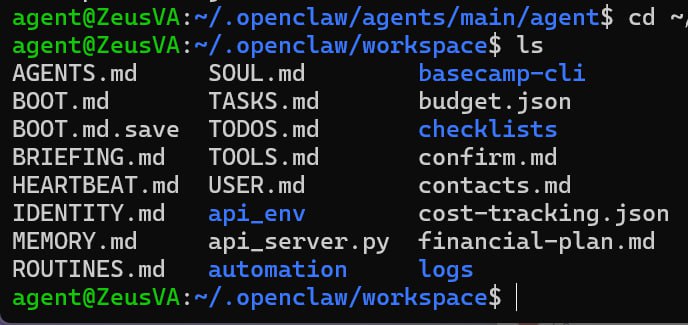
Before running the agent, I explored how each file contributes to the system.
AGENTS.md
Defines the agents available in the system and their roles.
BOOT.md
Contains operational instructions that guide the agent’s behavior when it initializes.
IDENTITY.md
Defines the identity, role, and capabilities of the agent.
TOOLS.md
Lists the tools the agent can access, such as APIs or automation scripts.
ROUTINES.md
Defines structured workflows and recurring task procedures the agent can follow.
Together, these files act as the operating manual for the agent.
Step 4 — Organizing the Agent Workspace
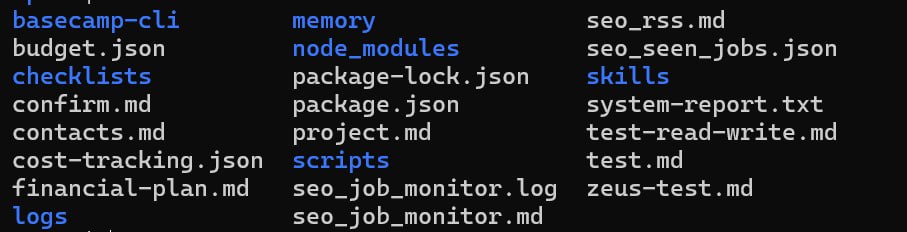
Next, I structured the workspace to support automation workflows.
Each directory serves a specific purpose.
checklists
Structured procedures the agent can follow.
Examples include:
- research workflows
- operational checklists
memory
Long-term notes and stored knowledge.
This allows the agent to retain information across sessions.
scripts
Automation scripts used for background tasks.
skills
Extensions that give the agent additional capabilities, such as integrations with external services.
This modular design makes the system easy to expand over time.
Step 5 — Connecting the Agent to Telegram
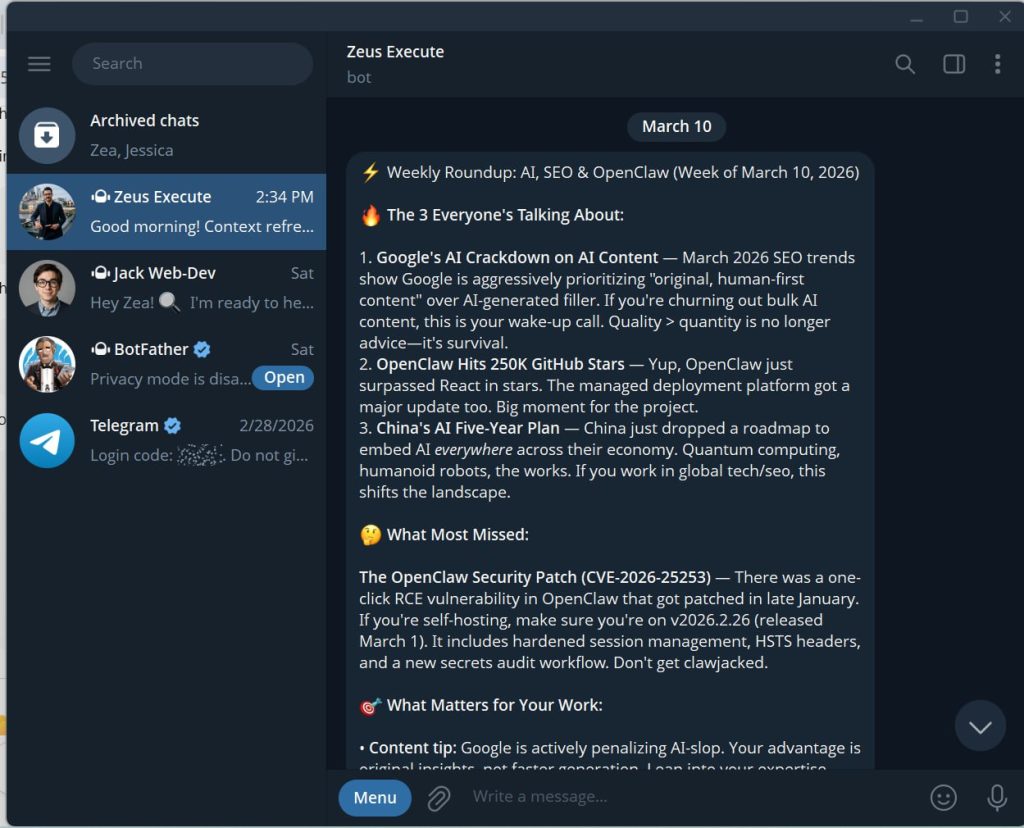
One of the most useful integrations was Telegram.
Instead of interacting with the agent only through the terminal, I connected it to a Telegram bot.
Telegram
https://telegram.org/
The setup involved:
- Creating a Telegram bot using BotFather
- Adding the bot token to the OpenClaw configuration
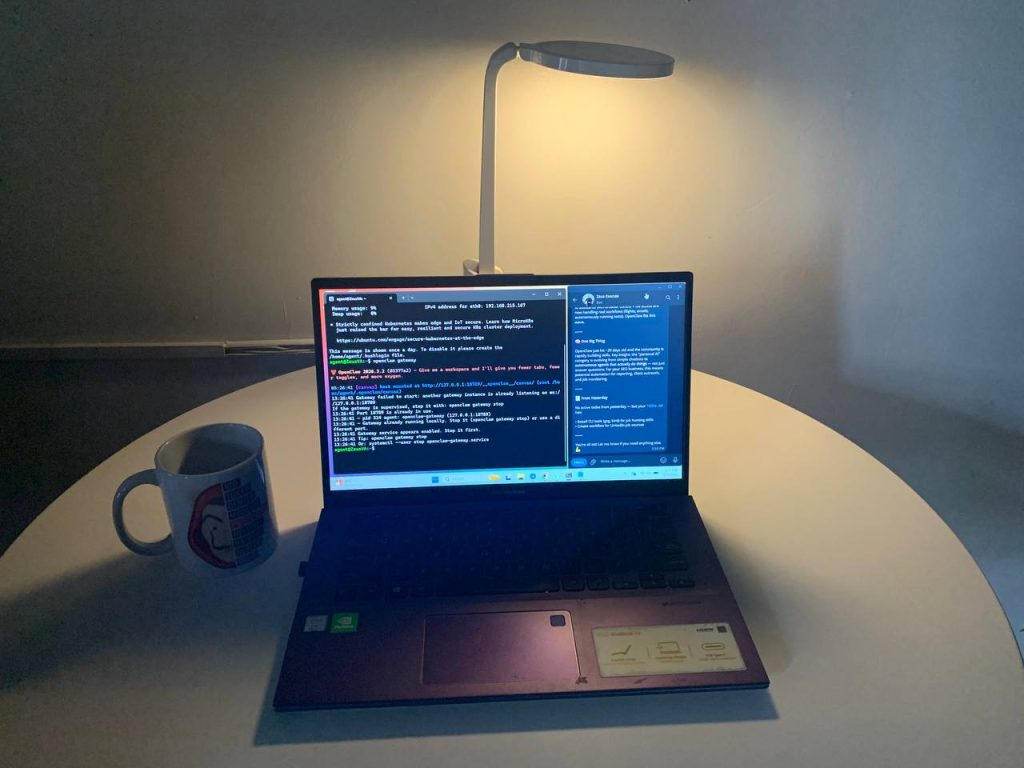
- Running the agent gateway
Once configured, I could message the agent directly from Telegram.
This effectively turned the system into a remote AI assistant that I could access from my phone.
Step 6 — Debugging the Gateway
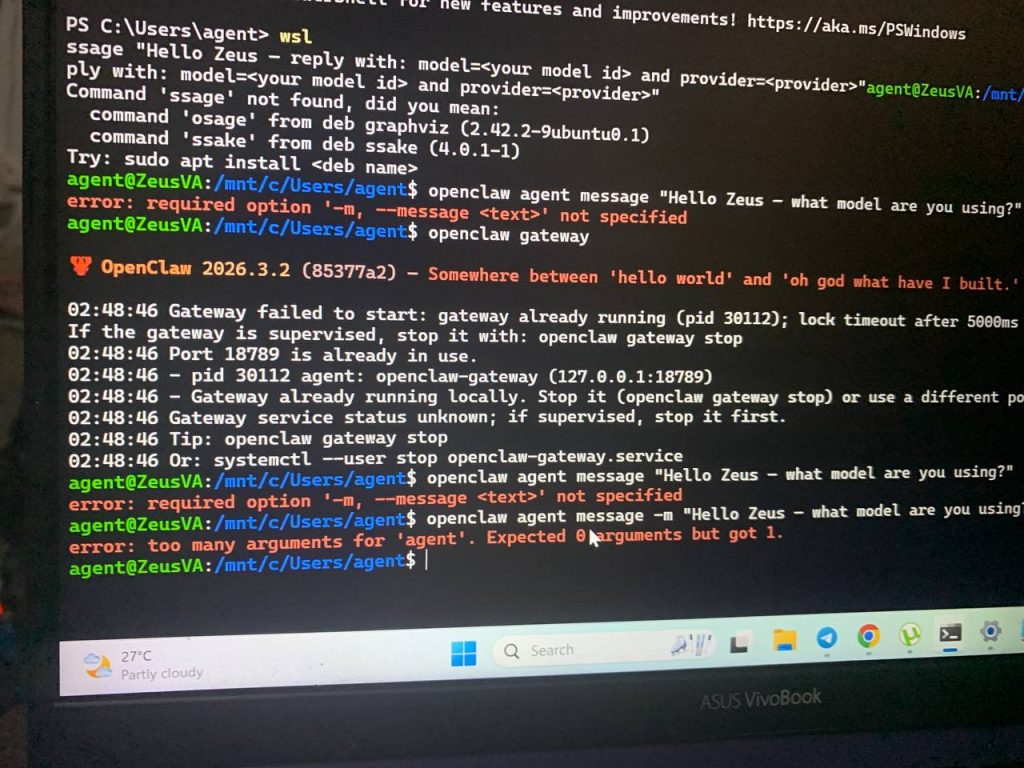
Like most technical experiments, the setup required some troubleshooting.
At first, the agent failed to start correctly.
After checking the logs, I discovered that a configuration issue related to streaming settings needed to be corrected.
Once I updated the configuration and restarted the gateway, the logs confirmed that the agent was starting properly.
The gateway acts as the communication layer between the agent and external services, so resolving this issue was essential.
Step 7 — Verifying the System
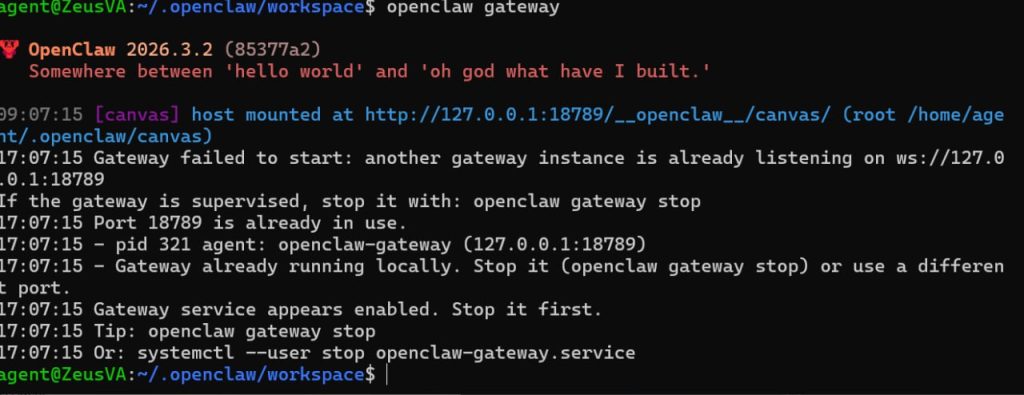
To confirm everything was working, I checked the workspace directory:
cd ~/.openclaw/workspace
ls
The directory showed the expected structure:
AGENTS.md
BOOT.md
IDENTITY.md
TOOLS.md
ROUTINES.md
memory/
scripts/
skills/
At this point, the system could:
- read files
- store memory
- run scripts
- communicate through Telegram
The agent was fully operational.
What This Experiment Taught Me
The most important realization from this experiment was simple:
AI agents are not just AI models — they are systems.
The real power comes from combining:
- AI models
- memory
- tools
- workflows
- an operating environment
When these components work together, the agent becomes much more than a chatbot.
It becomes a productivity system.
Final Thoughts
Setting up OpenClaw showed me that experimenting with AI agents does not require expensive infrastructure.
A laptop, a Linux environment, and curiosity are enough to get started.
Right now I’m using this system to:
- organize knowledge
- experiment with automation workflows
- explore how AI agents can assist with productivity
And this is just the beginning.
The interesting part isn’t just running the agent.
It’s discovering what becomes possible when you start building systems around AI.